Features

Company knowledge belongs in a searchable place, not in someone's head

People come and go; knowledge should stay with the company. We structure your work instructions, checklists and manuals in the Bitrix24 knowledge base and make them genuinely searchable.

At a glance

  • Template-based pages
  • Smart search
  • Granular access permissions
  • No-code content editor
  • AI-assisted writing
THE PROBLEM

The information exists, but nobody can find it

  • Procedures sit in different folders in different versions, and nobody knows which one is current.
  • New joiners have to ask an experienced colleague about everything, costing both of them time.
  • Critical know-how lives in one person's head, and work stops the week they take leave.
  • Support answers the same question dozens of times a week, rewriting the reply each time.
  • Sensitive documents such as finance or salary data sit on a shared drive open to everyone.
THE FIX

A searchable, permissioned and current knowledge hub

The template-based structure lets content owners keep their own pages up to date. Search puts the right page in front of people within seconds.

  • Separate knowledge bases are created per department, process or project, each with a named owner.
  • Smart search finds the right page or document in a couple of seconds.
  • Access permissions are set per knowledge base or per page, so sensitive content stays closed.
  • Text, image and video blocks are arranged by dragging in a visual, no-code editor.
  • CoPilot assists authors with drafting, structuring and summarizing content.
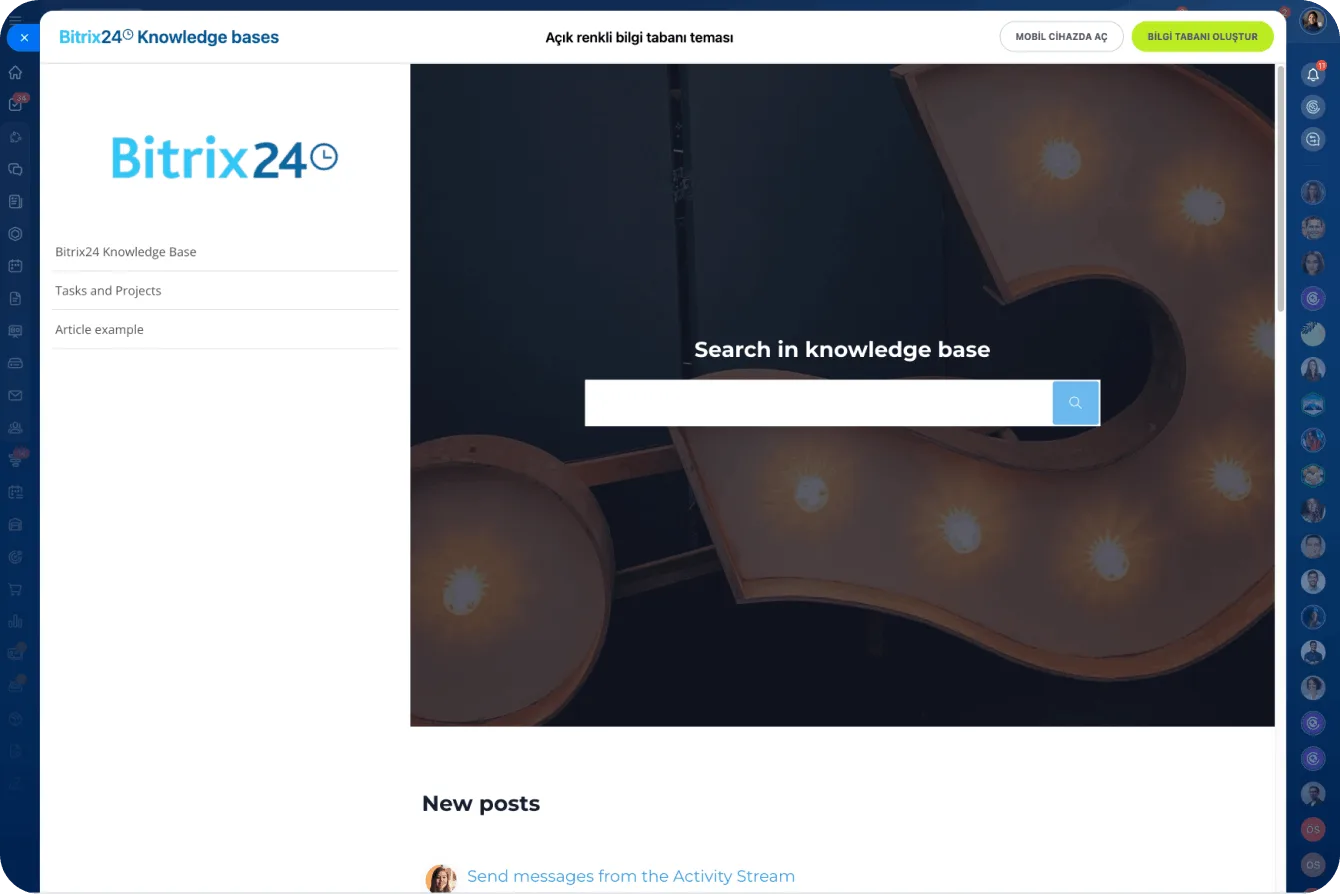
Documents screen with a file list, publishing toggles and Google Docs, Dropbox and Office 365 connections

A multimedia hub for company knowledge

Every kind of content looks good in the Bitrix24 knowledge base: user manuals, articles, checklists, documents and anything else live in the same structure.

Because corporate data is structured and organized, it is easy to navigate, easy to read and easy to search. We create separate knowledge bases per department or process so every one of them has a clear owner.

  • Manuals, procedures, checklists and documents share one hierarchy.
  • Text, images and video sit together on the same page.
  • Separate knowledge bases are created per department, process or project.
  • Each knowledge base gets a named content owner and editor.
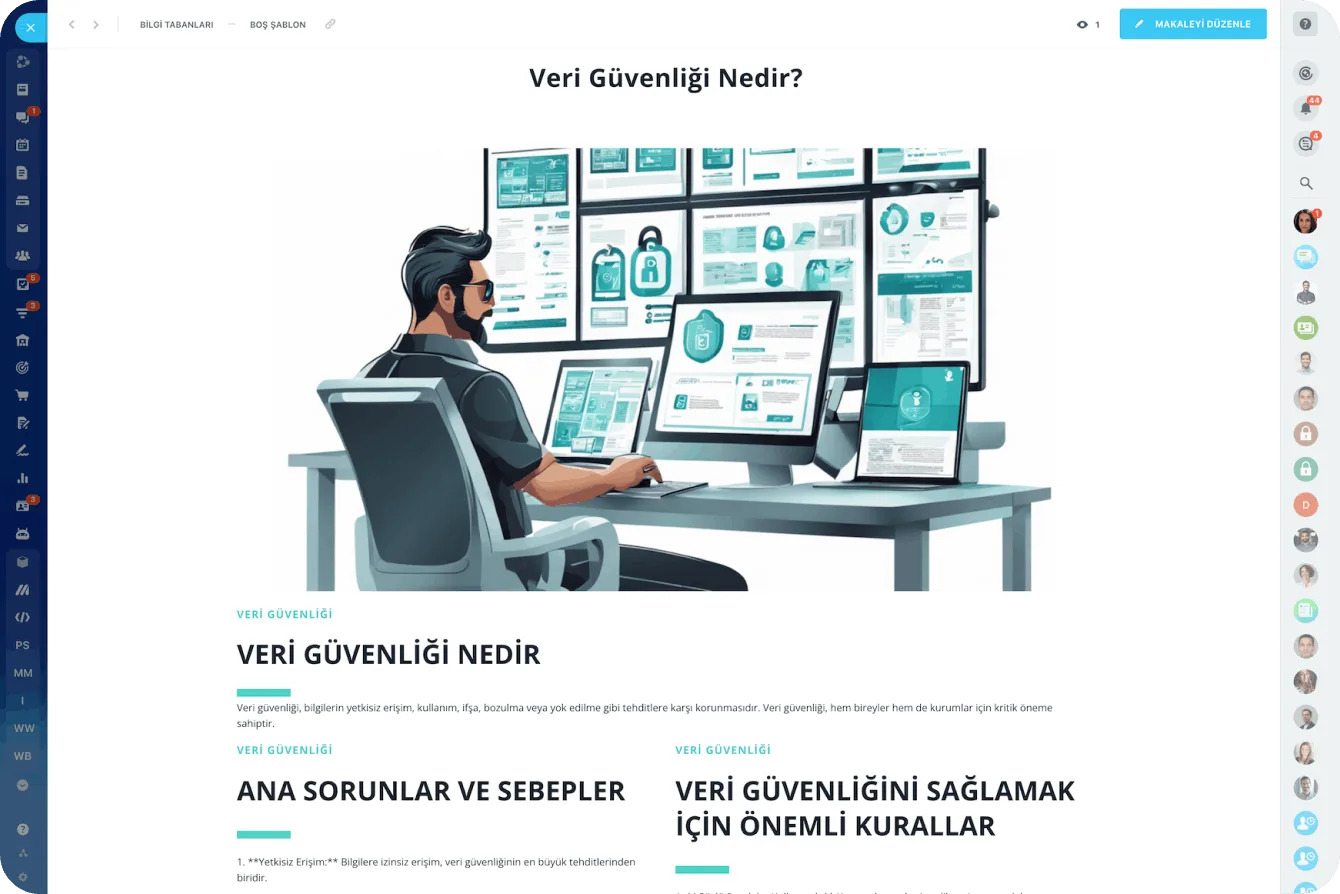
A structured knowledge base article in Bitrix24 with a header image, headings and sections

A safe home for company knowledge, with layered permissions

People come and go, but knowledge should stay in the company: you store and edit work instructions, checklists and manuals inside your Bitrix24.

Access to sensitive content such as sales figures or financial data is restricted by configuring permissions for one knowledge base or for all of them at once. The same platform can therefore carry both open procedures and closed content.

  • Permissions are set at knowledge base or single page level.
  • Sensitive finance and salary content is opened only to authorized groups.
  • Critical knowledge lives in the company rather than in someone's head.
  • Sections can be opened to external users or customers separately.
Access Permissions screen assigning full access, limited access or administrator roles to users and groups

Effortless content creation with templates

The beauty of the knowledge base is its simplicity and its template-based approach: you pick a template and start filling it with articles, images and video.

Editing new articles is just as easy, since the visual, no-code editor lets you add, remove and rearrange text and image blocks. For a more formal look you can use one of the preloaded templates, and for something more elaborate the templates in Bitrix24 Market.

  • Templates keep pages consistent, so writers and readers both adapt fast.
  • The no-code editor means no ticket to IT just to update a page.
  • Market templates lift the corporate look another level.
  • A flow where the process owner writes, a manager approves and the team reads.
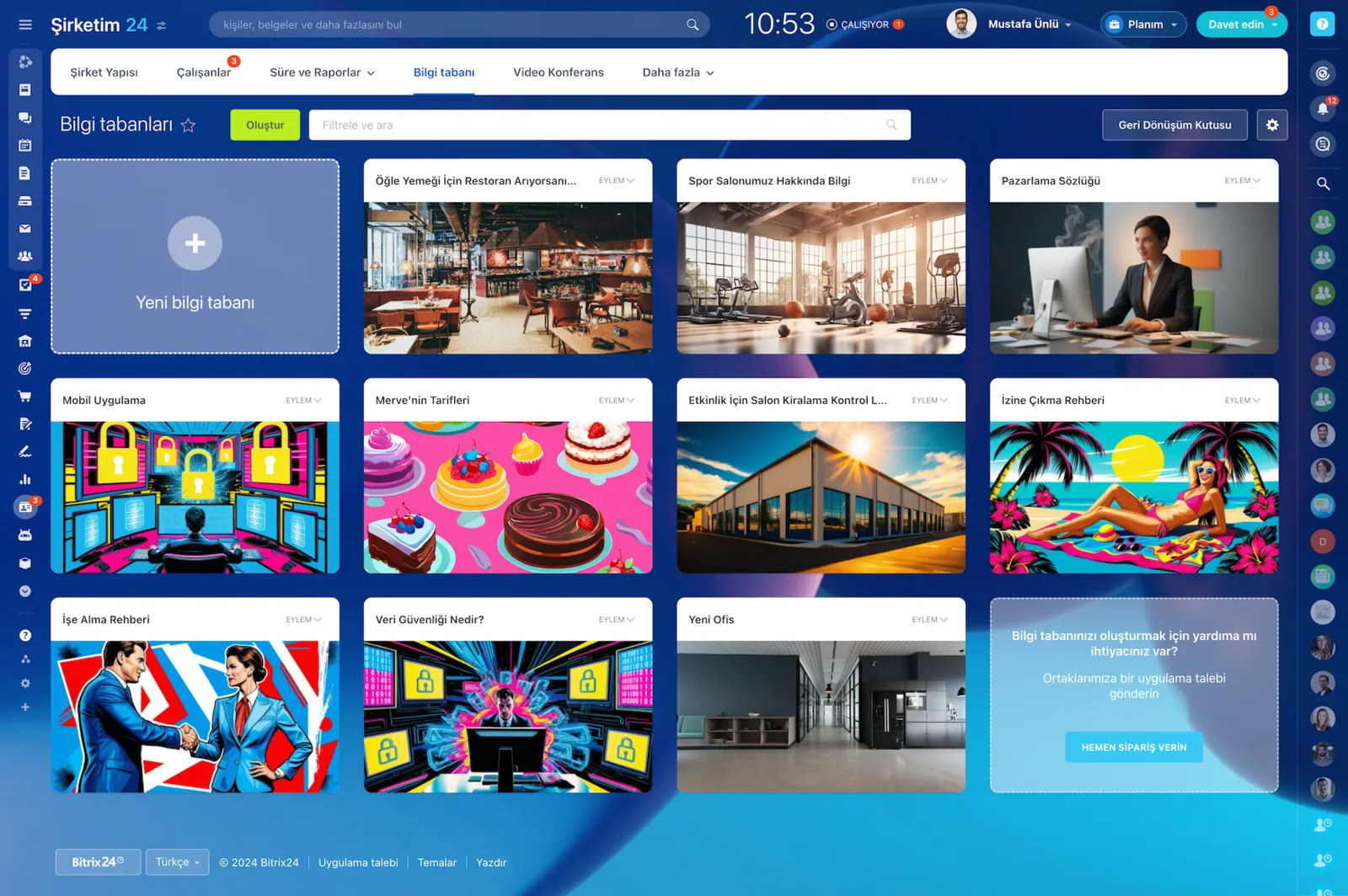
Knowledge base gallery with knowledge bases created for different departments

CoPilot writing support and access from any device

CoPilot, the AI-powered assistant, helps authors write, structure and summarize knowledge base texts. You only enter a prompt: CoPilot develops the idea, produces a short summary of a long text or checks it for mistakes.

It can build bulleted lists, shorten or expand sections, and you can reach your knowledge base from any device, whether you are in the office, at home or on the road.

  • Drafting a procedure takes minutes instead of hours.
  • The built-in translator and grammar checker keep texts clean.
  • The most important points are highlighted and long content is condensed.
  • Desktop and mobile access mean field teams read exactly the same content.
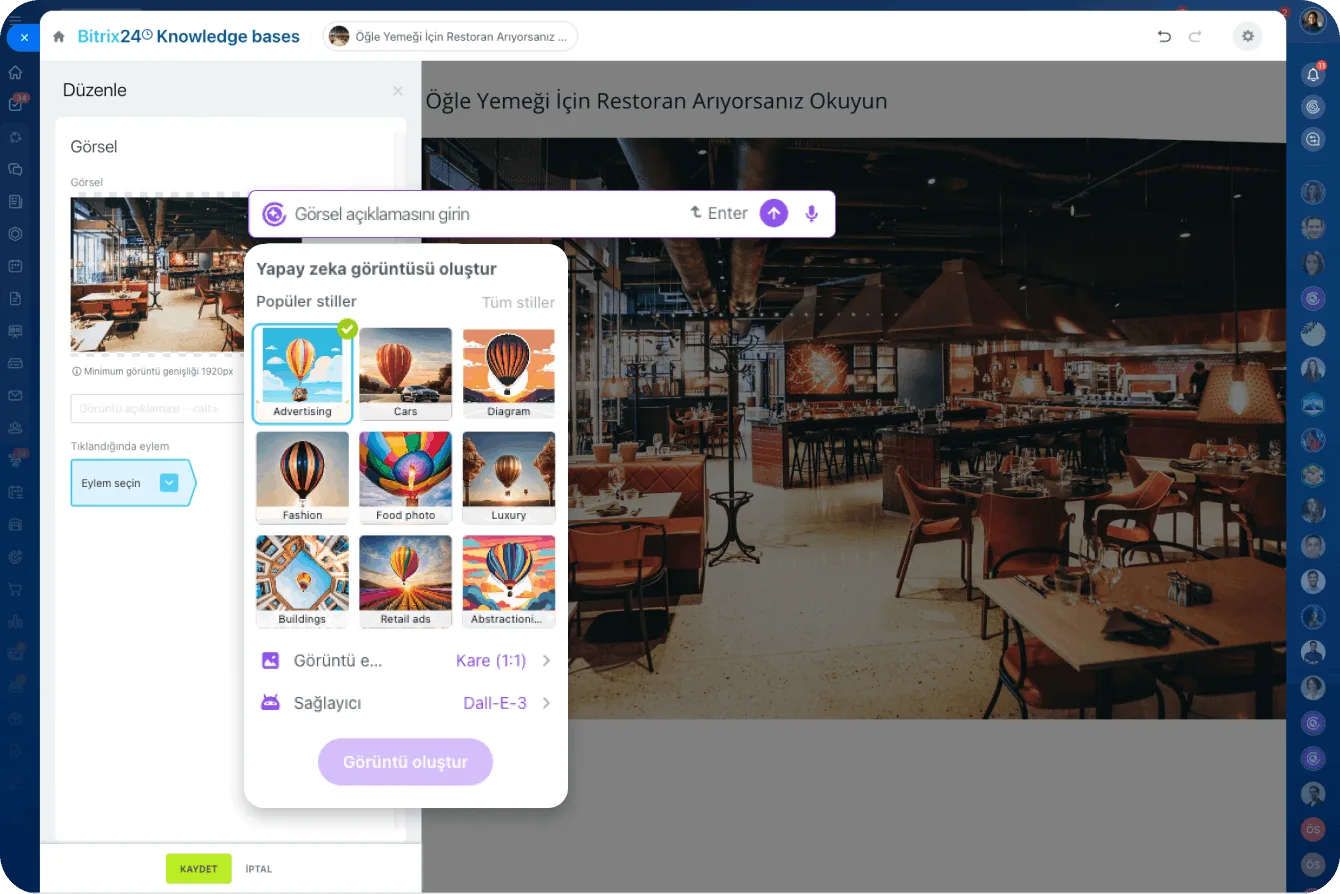
AI image generation panel inside the knowledge base article editor, with style presets and the DALL·E provider
CAPABILITIES

What you get

Template-based pages

Pick a template and fill it with content. Because pages follow the same layout, both readers and authors get oriented quickly.

Smart search

Titles, body content and attached documents are searched together, so the right page surfaces even when someone does not know the exact term.

Granular access permissions

Content such as sales figures or financial data is opened only to authorized groups, and permissions can be set page by page.

No-code content editor

Text, image and video blocks are arranged by dragging. Updating a page never requires a ticket to the IT team.

AI-assisted writing

CoPilot drafts, summarizes long text and converts it into bullet lists, so writing a procedure takes minutes instead of hours.

Desktop and mobile access

The same information is available at the office, at home or in the field, and the mobile app makes articles readable on the move.

BEST FIT

Who is this for?

These are the teams we deploy this module with most often. If your scenario is not listed, let's talk it through anyway.

  • HR teams standardizing the onboarding experience
  • Support teams consolidating frequently asked questions into one source
  • Organizations that must manage procedures and quality documentation
  • Remote and hybrid teams working across time zones
  • Brands that need to keep a dealer or field network up to date

How would this work in your process?

In a free 30-minute call we listen to your workflow and map out how this would run in your company.

Book a free consultation
SETUP

How we roll it out

We handle the setup; you just walk us through your process.

  1. 01

    Content inventory

    We review your existing procedures, manuals and checklists, drop the outdated versions and plan which topic belongs in which knowledge base.

  2. 02

    Structure and permission setup

    We create the department and process knowledge bases, select templates and configure permissions down to page level.

  3. 03

    Content migration

    We move documents from shared drives, SharePoint or folder trees into the new hierarchy and tidy titles and tags for search.

  4. 04

    Ownership and training

    We assign author and approver roles for each knowledge base and show your team how to use CoPilot-assisted writing.

Works together with

Online documents and file storage (Drive)Workgroups and projectsCoPilot AI assistantAccess permissions and rolesBitrix24 Market templatesBitrix24 mobile app

Frequently Asked Questions

Can you migrate our existing documents?

We can. We take documents from shared drives, SharePoint or folder structures and place them into the knowledge base hierarchy, weeding out stale versions together as we go.

Who can update the content?

Editing rights are defined per knowledge base. Typically the process owner writes, a manager approves and everyone else has read access.

Can we publish a knowledge base for customers?

Yes. We can open a section to external users or to the public and publish only the pages you select, while internal content stays private.

Let's configure this around your business

Book a free intro call and we'll walk through your process and show which settings fit you.