Features

One place for your files, with the right people in reach

When files live on desktops, in email threads and in personal cloud accounts, nobody knows which version is current. We put your entire document structure on one drive with clear permissions.

At a glance

  • Real-time co-editing
  • Version history and locking
  • Permission structure
  • Office tool integration
  • Sharing with outside parties
THE PROBLEM

Scattered files, wrong versions

  • Nobody can tell which of "contract_final_v3.docx" and its siblings actually applies.
  • Documents sit on personal laptops and private cloud accounts and disappear when people leave.
  • Two people edit the same file and one overwrites the other's work.
  • There's no control over who can open confidential pricing and contract files.
  • Quotes and invoices live apart from the customer record and have to be hunted down.
THE FIX

How we structure your file system

We design company, department and project folders with you and define exactly what each role can do in each one. Documents sit next to the CRM record and the task they belong to.

  • Company, department, project and personal drive spaces are configured separately.
  • Text documents, spreadsheets and presentations are co-edited in the browser in real time.
  • Version history shows who changed what and when.
  • Folder- and file-level permissions are defined, and sensitive documents can be locked.
  • Native integration with Google Docs, Office 365 and MS Office Online keeps existing habits.
  • Contracts, quotes and invoices attach to the CRM record they belong to.
Access Permissions screen assigning full access, limited access or administrator roles to users and groups

Online documents: create, co-edit, share

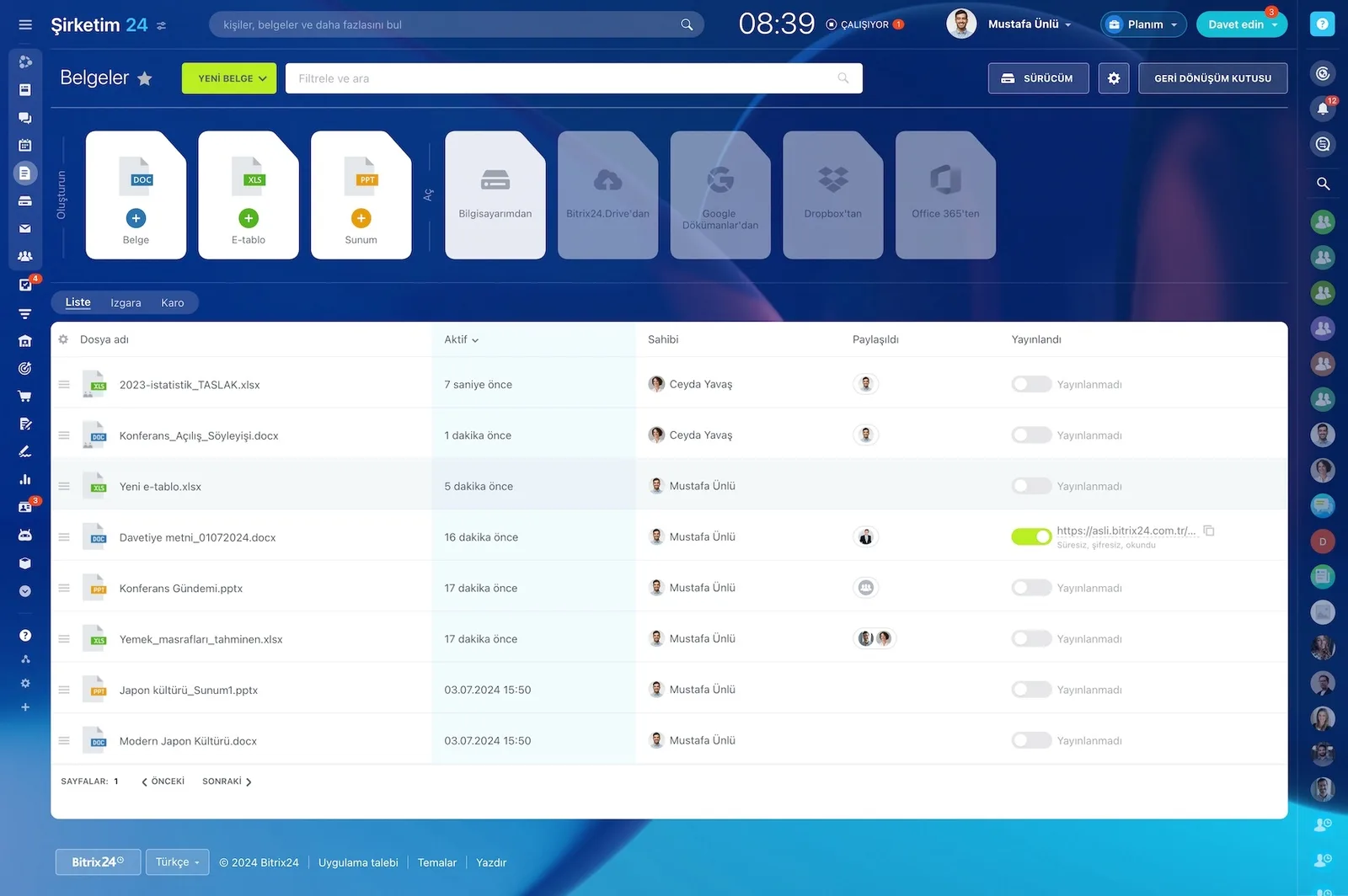
You create text documents, spreadsheets, and presentations inside Bitrix24, then view, co-edit, and share them with colleagues and external users.

The docx, pptx, xlsx, txt, and csv formats are supported, so you keep working with your existing files without converting anything. The people you invite don't even need a Bitrix24 account.

  • Supports the docx, pptx, xlsx, txt, and csv formats
  • Text documents, spreadsheets, and presentations are created inside the platform
  • External users without an account can be invited to co-edit
  • Works with Dropbox, Google Drive, and OneDrive
Documents screen with a file list, publishing toggles and Google Docs, Dropbox and Office 365 connections

Real-time collaboration with a change trail

No matter how many people are editing a document together, you can always see who worked on it recently and what changed.

That ends the "my edits disappeared" argument for good. Instead of sending attachments and waiting for replies, everyone works on the current version of the same file.

  • Simultaneous editing in one document with live cursor presence
  • Who changed what is visible after the fact
  • Version history lets you roll back to an earlier state
  • Version copies circulating as email attachments disappear
Documents screen with the file list and sharing and publishing states

Document management and locking from one panel

You manage documents through a single control panel that shows recent activity and changes. From there you set access permissions and enable document locking to prevent accidental edits.

Some files in your company shouldn't be open to everyone, such as confidential project data or sales figures.

  • Recent activity and changes are tracked in one panel
  • Read, edit, and share permissions at the folder and file level
  • Document locking prevents accidental edits
  • Confidential pricing and contract files are restricted by role
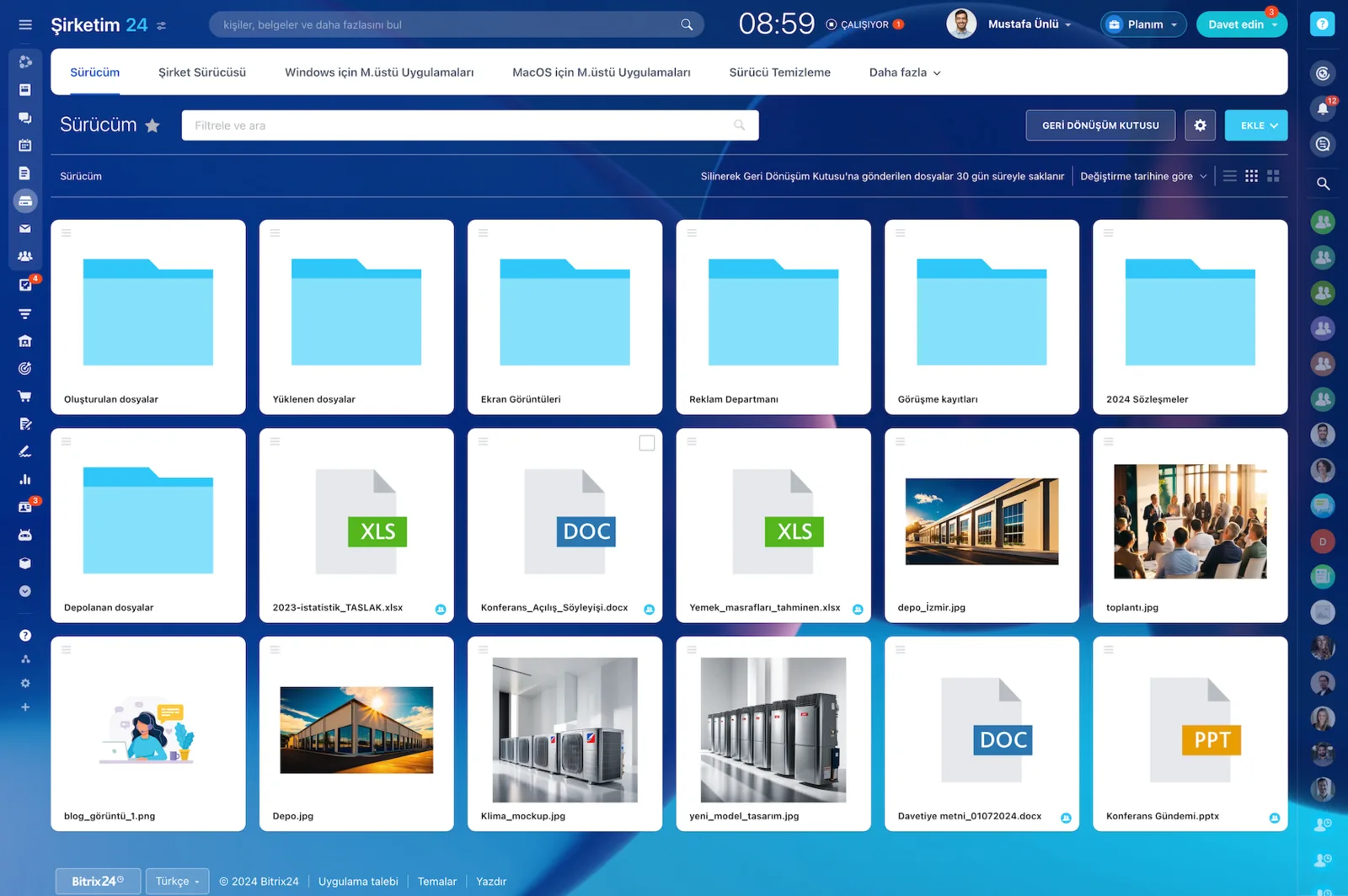
Bitrix24 Drive showing folders and files as cards, including XLS, DOC and PPT documents and images

Bitrix24 Drive and office tool integration

Bitrix24 Drive lets you create, edit, and share every work-related file, with easy access from both desktop and mobile.

Native integration with Google Docs, Office 365, or MS Office Online means you edit documents online without downloading them. Files already sitting in Google Drive or Dropbox can be connected and moved over in a few clicks.

  • Native integration with Google Docs, Office 365, and MS Office Online
  • Group folders are created per department or project and the team is invited in
  • Existing Google Drive and Dropbox content is connected and migrated
  • The same file structure is available from desktop and mobile
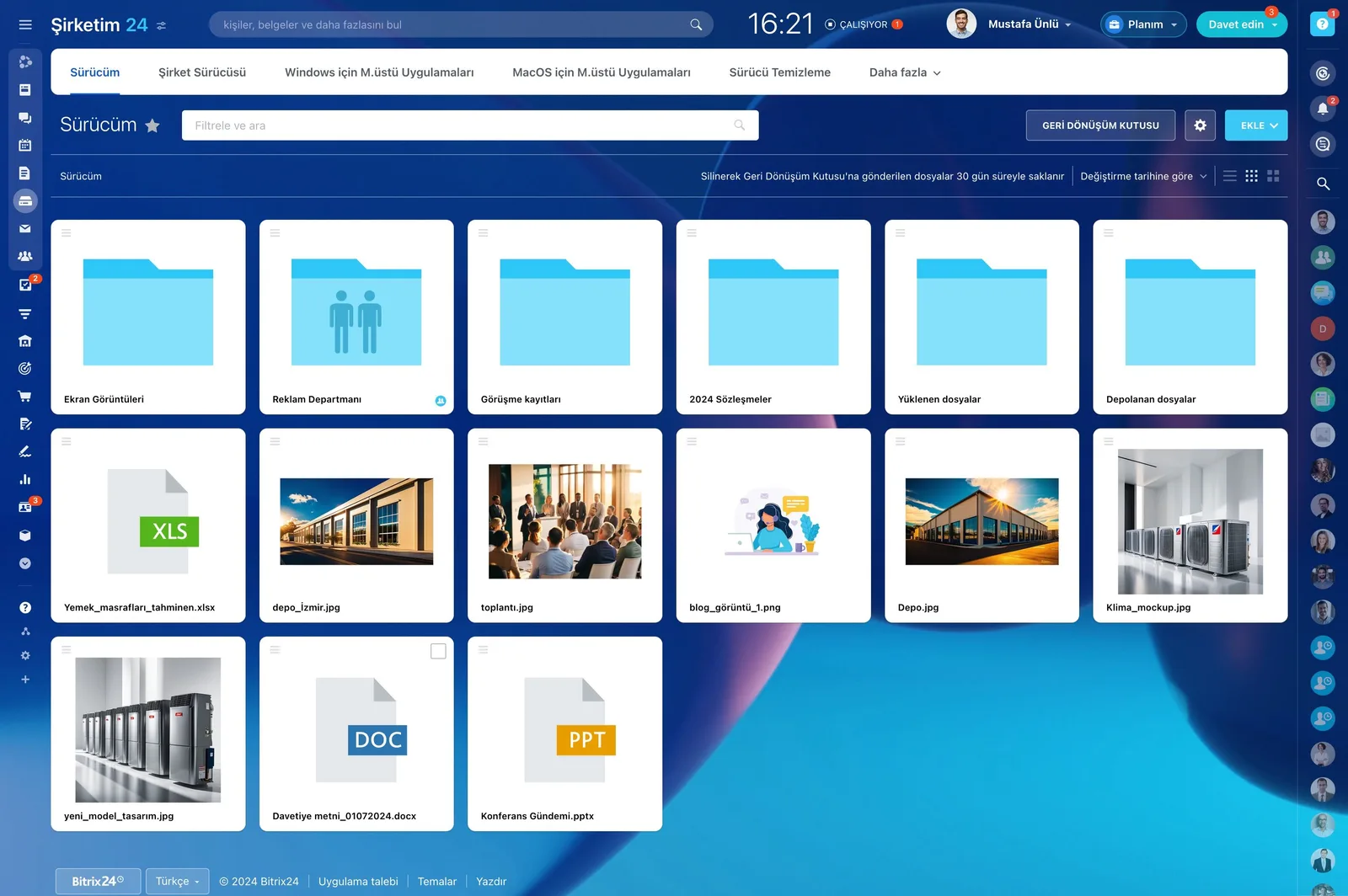
Bitrix24 Drive showing folders and files in a grid

Knowledge base: institutional knowledge stays with the company

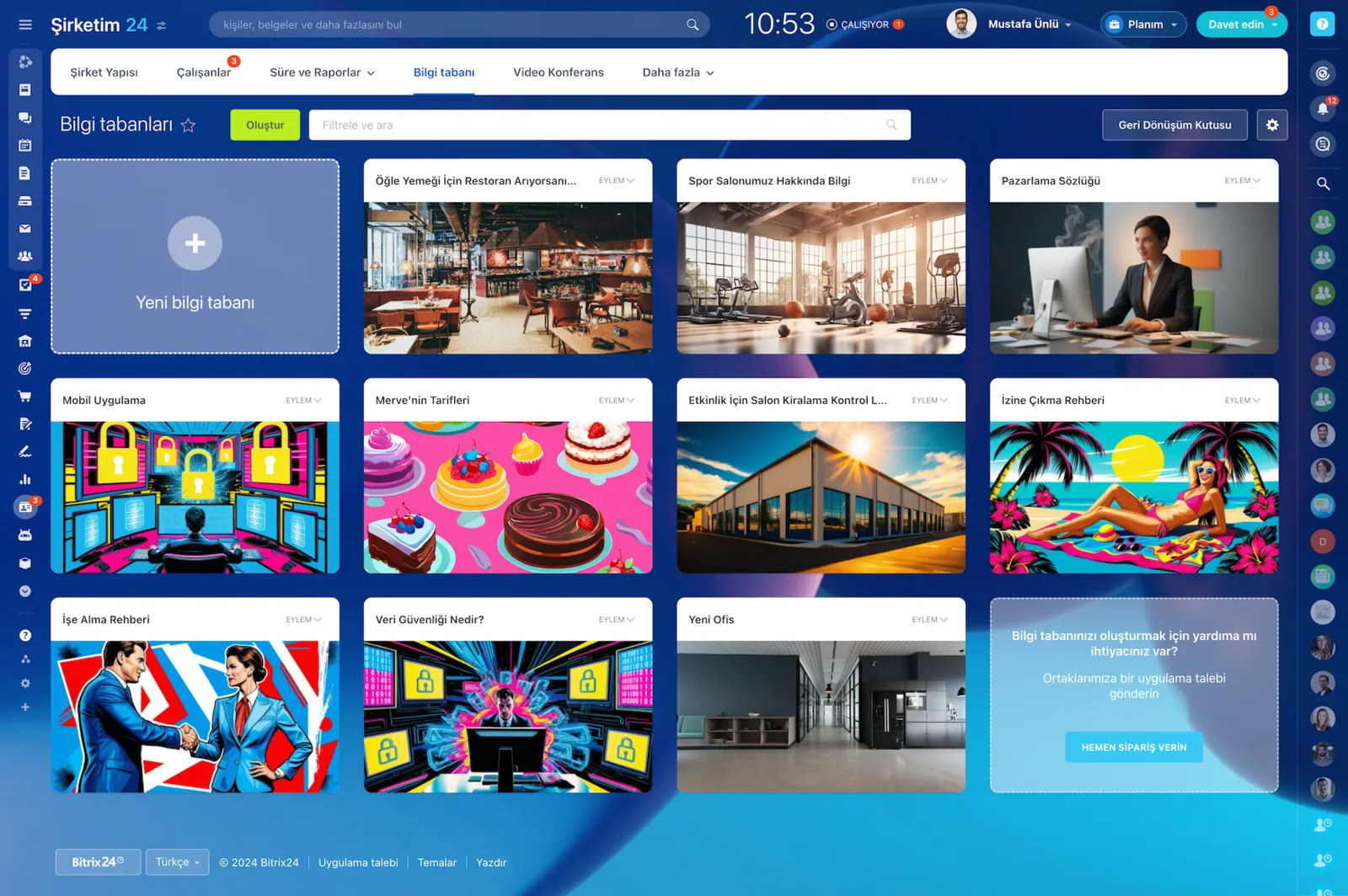
People come and go, but knowledge should stay inside the company. The Bitrix24 Knowledge Base is the single place to hold all your institutional knowledge, and your team members can easily edit and extend it.

You pick a template and fill it with articles, images, and videos; changes go live immediately.

  • Instructions, checklists, and manuals collected in one place
  • Fast setup from a template, with article, image, and video content
  • Permissions can be configured for one knowledge base or all of them at once
  • New hires can run their own onboarding from it
Knowledge base gallery with knowledge bases created for different departments

Secure work with external stakeholders through Collab

Collab is the simple way to collaborate with external users such as freelancers, contractors, and customers.

Every project-related chat, video call, file, task, and calendar entry lives in one compact shared workspace and stays inside your account. You never have to move to a third-party solution.

  • Chat, video calls, tasks, drive, and calendar in one shared space
  • External users get only limited access to your account
  • Every action is traceable and progress is visible in real time
  • Project data stays in your system rather than an outside tool
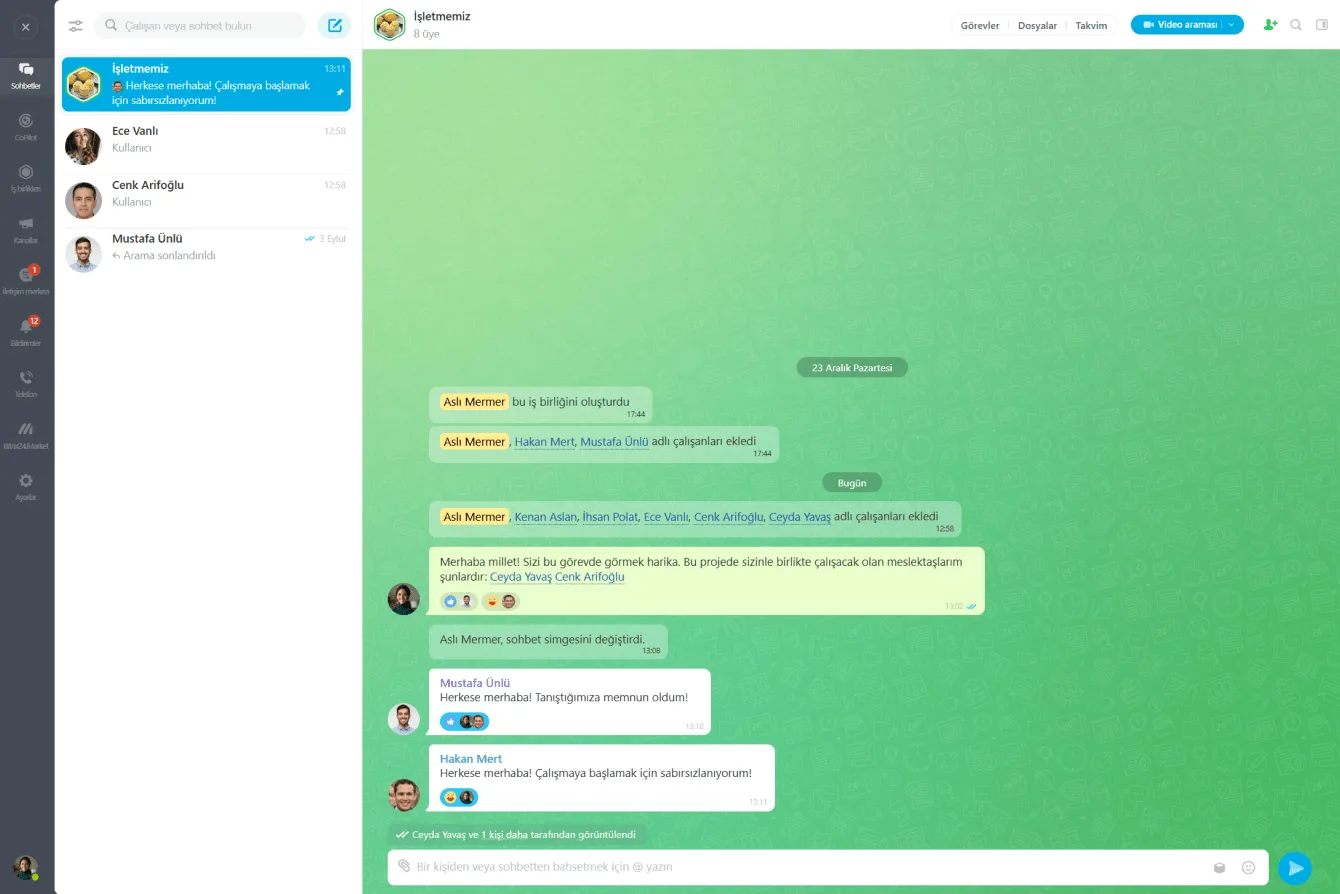
A Collab window running a team chat with external participants alongside the member list
CAPABILITIES

What you get

Real-time co-editing

Several people edit a document, sheet or deck at once and you can see who is working where. No more emailing attachments and waiting.

Version history and locking

Every save creates a version, so a file broken by accident can be rolled back. Critical documents can be locked against editing.

Permission structure

Read, edit and share rights are set per folder by role and department. The price list stays with sales and the ledger stays with finance.

Office tool integration

Native integration with Google Docs, Office 365 and MS Office Online. We can also connect the files you already keep in Google Drive or Dropbox.

Sharing with outside parties

Work with clients, freelancers and contractors through a Collab space. The files, chats and tasks all stay inside your account.

Knowledge base link

Procedures, checklists, and guides are collected in a knowledge base your whole team can edit and extend. Institutional know-how stays with the company when people move on.

BEST FIT

Who is this for?

These are the teams we deploy this module with most often. If your scenario is not listed, let's talk it through anyway.

  • Sales and legal teams cleaning up a contract and quote archive
  • Marketing teams sharing project files with external agencies and consultants
  • Managers pulling company data back out of personal cloud accounts
  • Finance and HR departments that need role-based document access
  • Distributed teams working on the same files from different locations

How would this work in your process?

In a free 30-minute call we listen to your workflow and map out how this would run in your company.

Book a free consultation
SETUP

How we roll it out

We handle the setup; you just walk us through your process.

  1. 01

    We map your current file landscape

    We review your folder structure across Google Drive, Dropbox, email attachments, and local servers to find what is actually being used. Duplicates and dead files are cleaned out before anything moves.

  2. 02

    We design the folder architecture and permissions

    We separate company, department, project, and personal drive spaces, and define read, edit, and share rights per folder by role. Locking rules for sensitive files are set here too.

  3. 03

    We migrate files and connect integrations

    We move existing content into Bitrix24 Drive with field mapping and enable the Google Docs or Office 365 integration. Contract and quote documents are linked to their CRM records.

  4. 04

    We train the team and embed the rules

    We write down naming, versioning, and sharing conventions and walk the team through them. We also define upfront how a departing employee's personal drive is handed over.

Works together with

Google DocsOffice 365 and MS Office OnlineGoogle DriveDropboxOneDriveCRM deals and documentsTasks and projectsKnowledge baseCollabE-signatureMobile app

Frequently Asked Questions

Can you migrate our existing files?

We can. We review your folder structure in Google Drive, Dropbox or on a local server and build a migration plan. During the move we clear out redundant copies and simplify the hierarchy.

Where are the files stored?

In Bitrix24's data centers on cloud plans, or on your own servers with an on-premise deployment. We decide which model fits you during the discovery phase.

What happens to someone's files when they leave?

Files in company and department drives stay where they are, and personal drive content can be transferred to their manager. We define that handover rule during setup.

Can we edit Office files without downloading them?

Yes. Word, Excel and PowerPoint files open in the browser. If you prefer desktop Office, files open in sync mode and changes are written back to the drive.

Let's configure this around your business

Book a free intro call and we'll walk through your process and show which settings fit you.