
Features

Stop guessing what customers think and start measuring

Satisfaction is built from small signals at every touchpoint, not from one annual survey. In Bitrix24 we combine survey forms, conversation ratings and callback requests into one report.

At a glance

  • Survey forms without code
  • Conversation ratings
  • Flexible display options
  • Callback requests
  • Matched to CRM records
THE PROBLEM

Plenty of feedback, no data

  • Satisfaction only registers when someone complains; quietly lost customers stay invisible.
  • Surveys run in a separate tool, so results never match the customer record in the CRM.
  • Nobody knows which rep earned which score, so coaching has nothing to work with.
  • Collected comments sit in a file and never turn into action.
  • Nobody calls back the customer who gave a low score, and the issue closes itself.
THE FIX

We turn feedback into CRM data

Surveys are built on Bitrix24's own form and widget tools, and results attach to the customer record. A low score becomes a task with an owner instead of a row in a spreadsheet.

  • Survey and feedback forms are built in the block-based designer with no code.
  • Forms display embedded in the page or as a pop-up, instantly or after a delay.
  • Every conversation can be rated by the customer or a supervisor; results collect in the Contact Center.
  • Required fields prevent partial answers, so the data is usable the moment it arrives.
  • Responses attach to the matching customer record, and the score history stays on the card.
  • Scores below your threshold trigger an automatic task and a callback request.
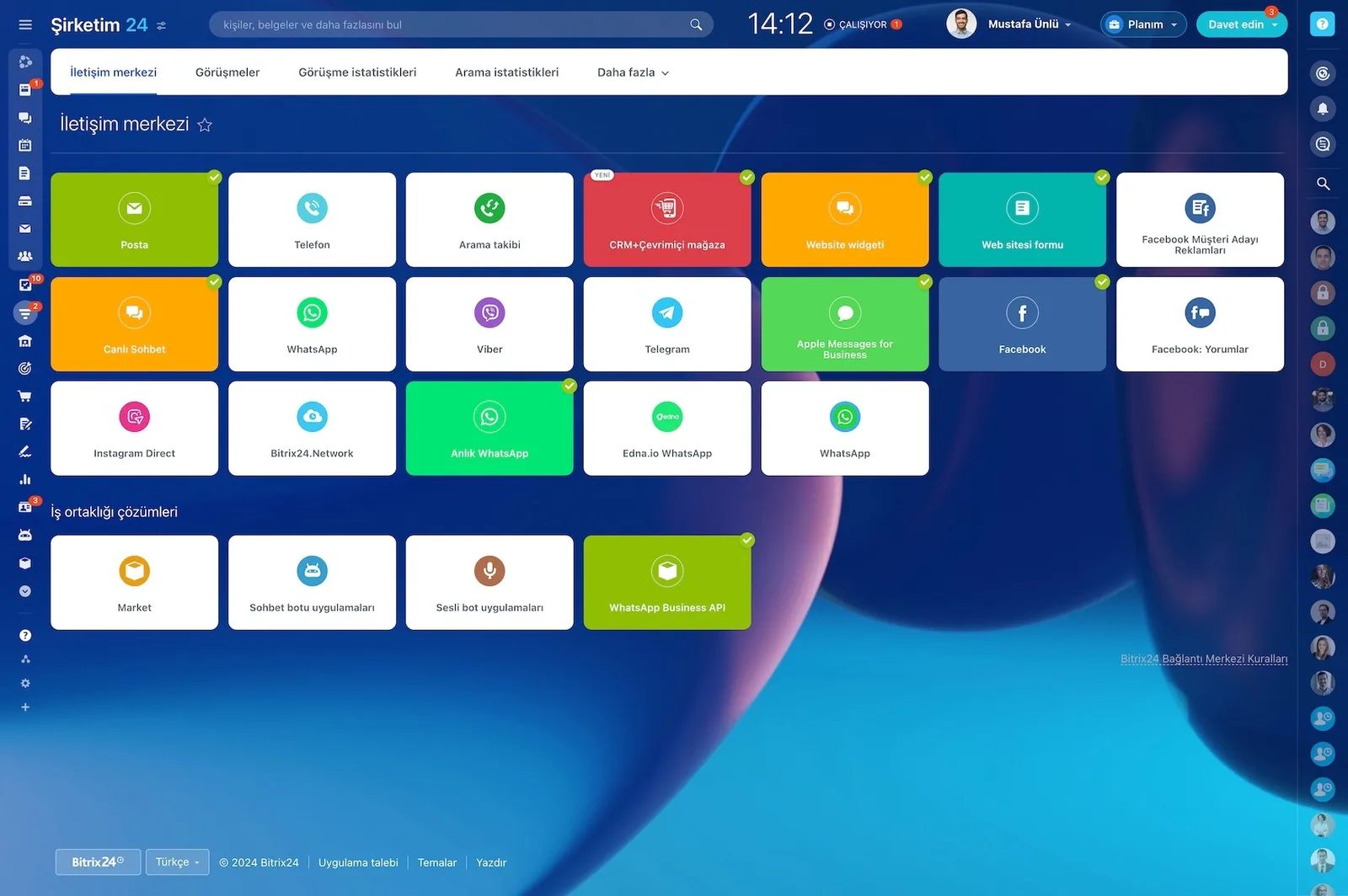
Bitrix24 Contact Center showing mail, telephony, WhatsApp, Telegram, Instagram and Facebook channel cards

Rating every conversation

Every conversation that runs through the web chat widget can be rated by the customer and/or a team supervisor.

The data shows up in the Contact Center inside your CRM, so satisfaction rests on every interaction instead of one annual survey. Because you see the breakdown per rep, coaching conversations get concrete.

  • Customer ratings and supervisor ratings are collected separately.
  • Scores accumulate in Contact Center reports.
  • Satisfaction is compared across reps and teams.
  • Low scores are wired to open a follow-up task automatically.
A website next to a mobile Open Channel chat showing the form link sent and the lead it created

Collecting feedback through the site widget

You set up the site widget as a feedback channel: live chat, CRM forms and a callback option combine into a single component.

The widget's color scheme, placement, instant or delayed appearance and business-hour preferences are all configurable. WhatsApp, Telegram, Viber and Facebook Messenger can be added to the same widget.

  • Color, position, timing and working hours are each configurable.
  • WhatsApp, Telegram, Viber and Facebook Messenger plug into the widget.
  • The feedback prompt appears on chosen pages at chosen hours.
  • Visitors reply on their preferred channel, which lifts response rates.
Multi-channel contact widget buttons expanded along the edge of a website

Canned replies and the waiting experience

The biggest loss while collecting feedback is the customer nobody answered.

You create a set of canned replies for your chat widget; when the support team is unavailable, those replies keep customers informed instead of leaving them waiting in silence. That improves the experience before the survey even goes out.

  • A canned reply library covers frequently asked topics.
  • Automatic acknowledgments fire when the team is unavailable.
  • Shorter response times raise satisfaction scores directly.
  • Canned replies standardize the team's tone of voice.
Bitrix24 live chat window open on a website corner, showing an 'We're online' header and two agent avatars

Callback requests as spoken feedback

For customers who would rather not type, you enable the callback form on the widget.

When a visitor leaves their number, your phone rings first; once you pick up, the call connects to the customer. Everything is written to CRM, so spoken feedback becomes data too.

  • Callback form fields, copy and layout are set in the CRM form designer.
  • The call chain starts the moment the visitor leaves a number.
  • Call recordings and notes are stored on the related CRM record.
  • Landing page conversion goes up and fewer customers slip away.
Callback request form open on a website, collecting first name, last name, phone and email

Linking answers to the CRM record

Every conversation is saved to your Bitrix24 CRM: for returning customers it attaches to the relevant lead or deal, and for first-time visitors a new record is created.

To manage, route and distribute conversations across your team you either use the default settings or write your own rule set. Feedback becomes work with an owner.

  • A returning customer's answer attaches to the existing record.
  • A new record opens automatically for a first-time visitor.
  • Routing rules push feedback to the right team.
  • Score history builds on the customer card, making trends visible.
Open Channel agent workspace with incoming chats, a CRM form that was sent and the lead created from it
CAPABILITIES

What you get

Survey forms without code

Start from a template or build from scratch in the block-based designer. Fields, colors, fonts, images and button layout are entirely under your control.

Conversation ratings

Any chat running through the widget can be scored. The data is reported in the Contact Center, which makes satisfaction measurable per agent.

Flexible display options

Embed the form in the page, show it in a pop-up, restrict it to certain pages or certain hours. We test the timing to lift response rates.

Callback requests

Customers who will not write a comment leave a number instead. The system calls you first and connects the customer when you pick up, logging everything in the CRM.

Matched to CRM records

Each response attaches to the related lead, contact or deal. Because scores and comments accumulate on one card, the trend becomes readable.

Low-score automation

Scores under the threshold open a task for the owner and notify the manager. Dissatisfaction turns from a notification into a process with a follow-up.

BEST FIT

Who is this for?

These are the teams we deploy this module with most often. If your scenario is not listed, let's talk it through anyway.

  • Support teams that want to measure satisfaction at every service closure
  • E-commerce and retail brands tracking the post-purchase experience
  • Experience-driven organizations in education, healthcare and hospitality
  • Head-office teams comparing dealer and branch performance through customer eyes
  • Technology companies shaping their roadmap around user feedback

How would this work in your process?

In a free 30-minute call we listen to your workflow and map out how this would run in your company.

Book a free consultation
SETUP

How we roll it out

We handle the setup; you just walk us through your process.

  1. 01

    Measurement plan

    We decide what you ask, at which touchpoint and on which scale. We keep the question count low so the response rate stays high.

  2. 02

    Form and widget setup

    We build the survey forms in the block-based designer and switch on the site widget and conversation rating.

  3. 03

    Automated distribution

    We set up the automation that sends the survey by itself a defined period after a deal or service request closes.

  4. 04

    Low-score action

    Below your threshold we open a task for the owner, notify the manager and trigger a callback request.

  5. 05

    Reporting and training

    We build the periodic satisfaction dashboard, set who may see the results, and train the team to read the report.

Works together with

Site widget and live chatCRM forms and form designerContact Center reportsWhatsApp, Telegram, Viber and Facebook MessengerBitrix24 Telephony and callbackAutomation rules and triggersSurvey distribution via email marketing

Frequently Asked Questions

Can we run NPS with this?

You can. We build the 0-10 question as a form and split responses into promoters, passives and detractors. We prepare a dashboard that reports the score by period and open follow-up tasks automatically on low ratings.

Can surveys be sent by email or SMS?

Yes. The form link goes into an email campaign or an automated message. The most popular setup is an automation that sends the survey by itself a set number of days after the deal closes.

Who can see the survey results?

You decide through access permissions. We typically configure it so reps see only their own scores, managers see the team breakdown, and executives see the company-wide report.

How do we stay compliant when collecting responses?

We add privacy notices and explicit consent fields to the forms and store the consent record with a timestamp. If you prefer, we configure the survey to collect answers anonymously and drop personal data fields entirely.

Let's configure this around your business

Book a free intro call and we'll walk through your process and show which settings fit you.